How to use NextDen
NextDen helps the Northeastern community discover housing and connect directly — in under a minute. It’s a discovery and connection layer, not a marketplace: no payments, messaging, or leases on the platform.
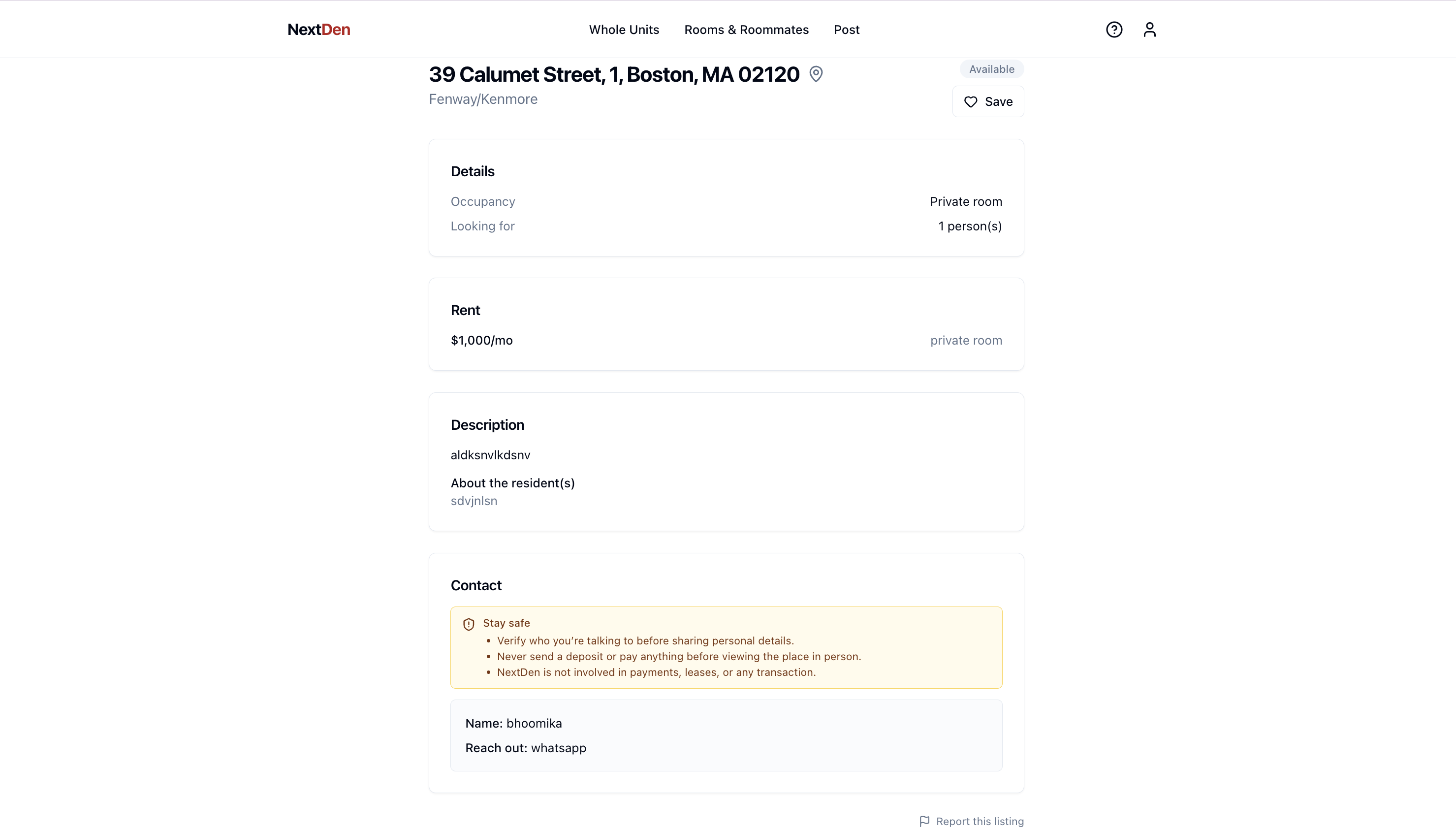
Pick how you want to live
From the home page choose a track: Whole Units (broker-listed full apartments) or Rooms & Roommates (student room-shares and roommate search). The two tracks have their own pages, filters, and rent scales — results never blend.
Search and filter
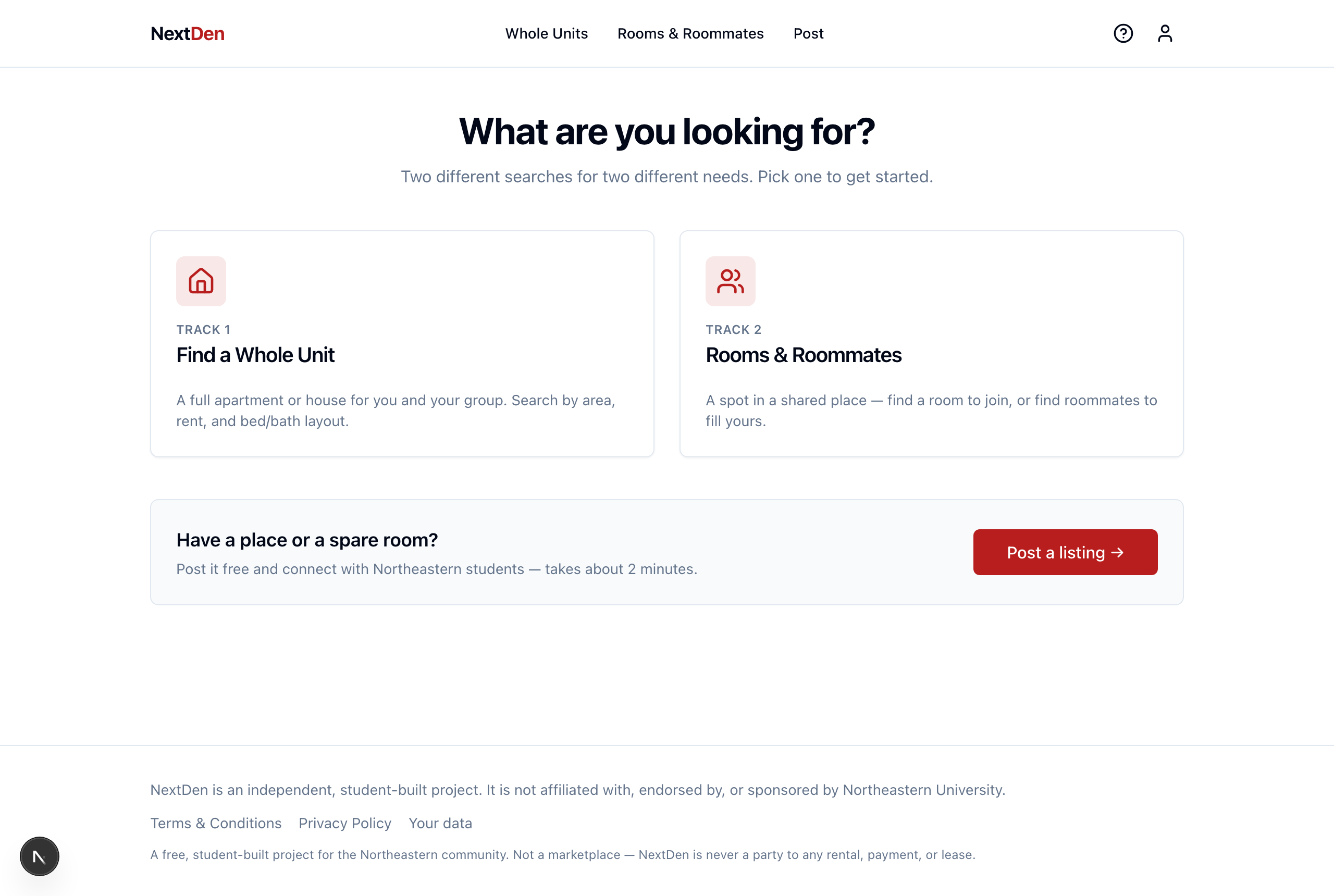
Inside a track, narrow listings by keyword, area, budget, bedrooms, and move-in date. Each track ranks results for you, so the most relevant homes near campus surface first.
Find a room or a roommate
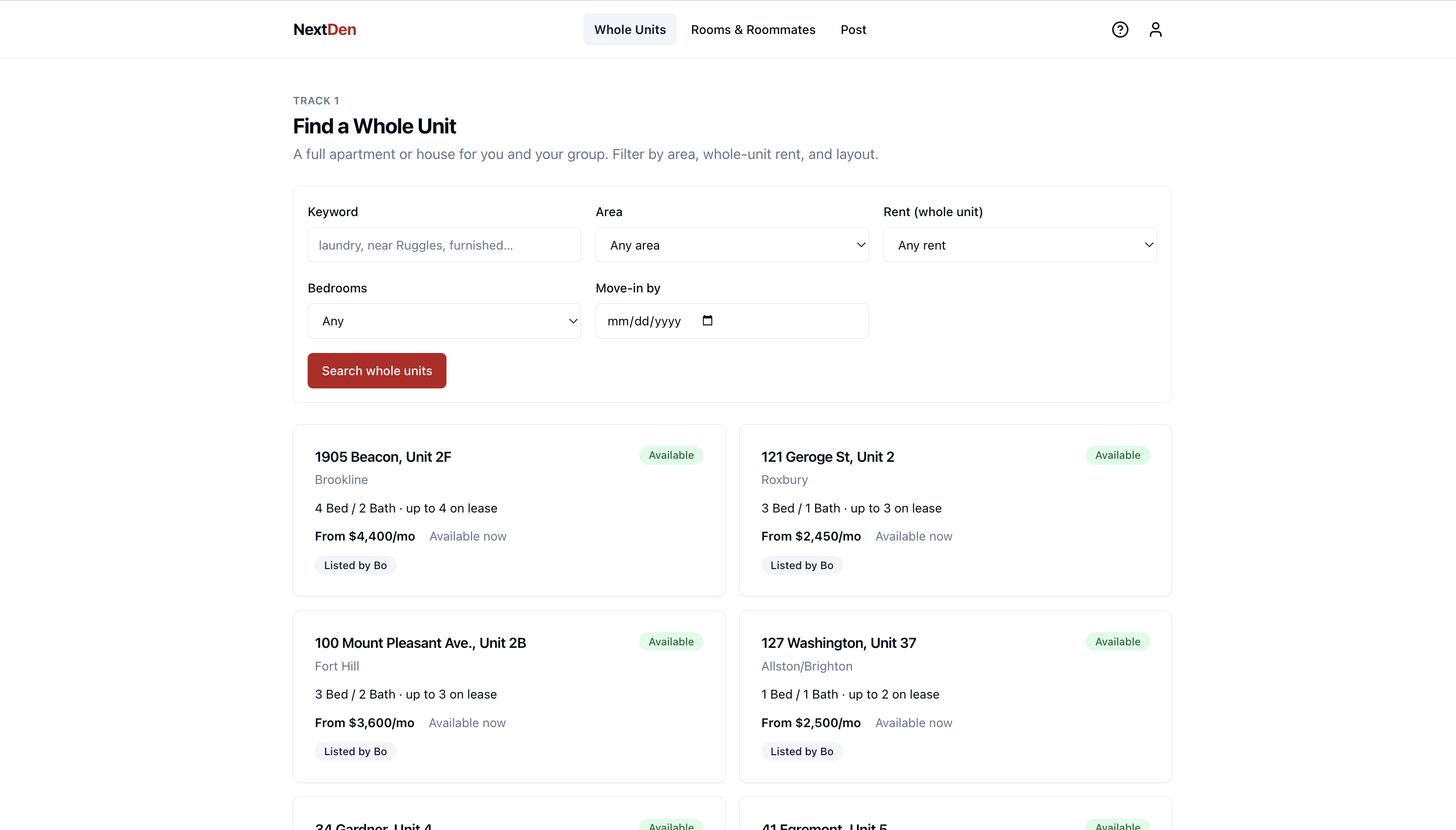
In Rooms & Roommates you can browse single rooms in shared places, or browse students looking for roommates. Have a spare room? Post a listing, or create a roommate profile so others can find you.
Open a listing and reveal the contact
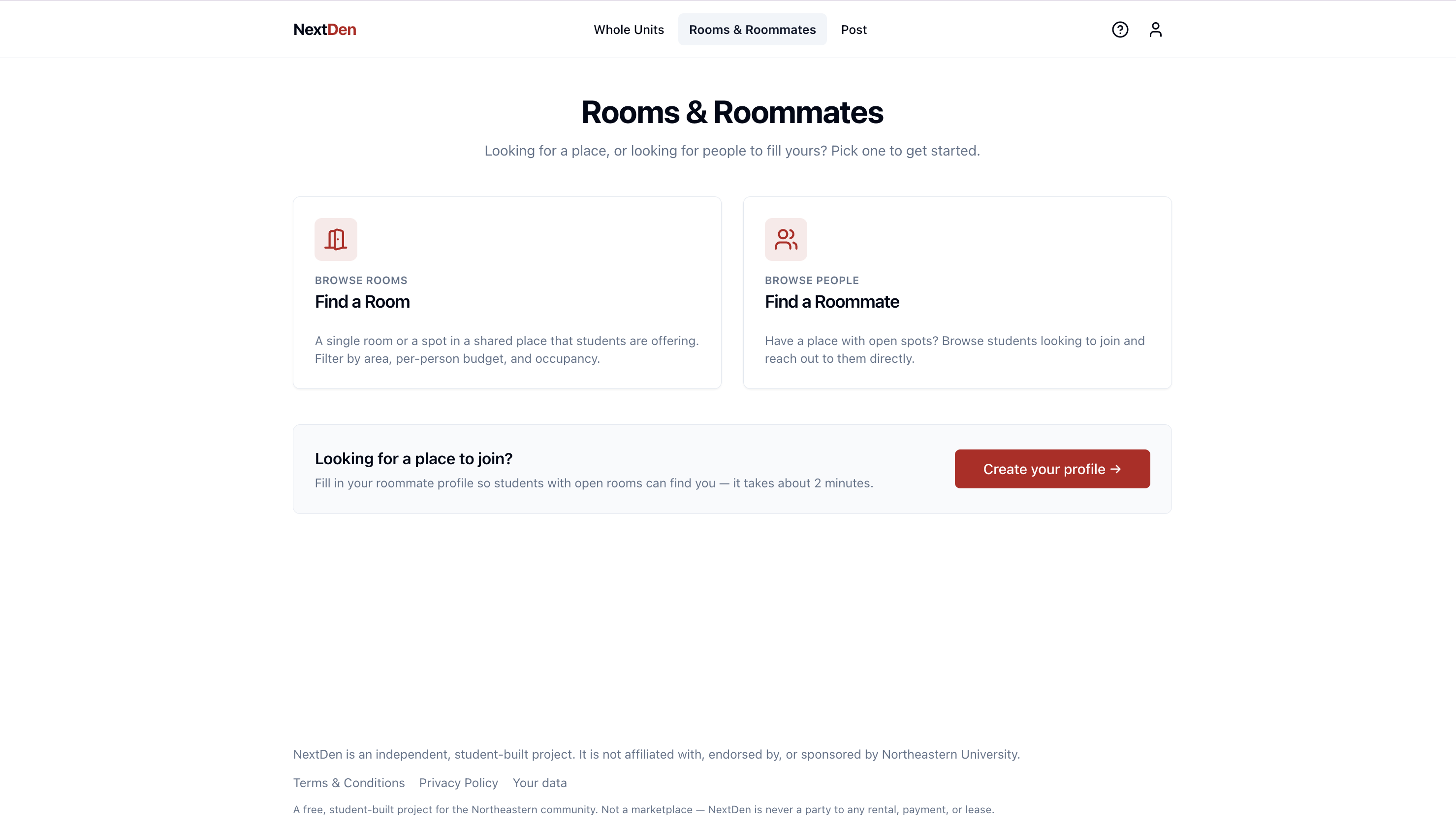
Open any result to see the full detail — rent, layout, area, and move-in. Broker listings carry a “Listed by” tag and may include a video. Click “Reveal contact” to get the contact details and reach out directly. NextDen is a discovery layer only — no payments, messaging, or leases on the platform — so always verify before sending money.